
January 2026 Release Highlights
Databricks Lakebase (Generally Available) Offers serverless autoscaling, instant database branching, and unified governance in a single, enterprise-ready platform that simplifies data management and testing.
Managed connectors support row filtering and incremental formula field ingestion to cut costs and duplication.
Store and query Mlflow traces in Unity Catalog
✨Tips and Tricks
DQX: simplified Data Quality checking at scale for Pyspark Workloads on Streaming and standard dataframes.
AI Dev Kit gives your AI Coding Assistant the trusted sources it needs to build faster and smarter on Databricks
🛠️Data Engineering
Row filtering is available for managed ingestion connectors
Lakeflow connector does allow row filtering for managed connectors to minimize data duplication. You can use the where clause to ingest only the data you need
Ingest Salesforce formula fields incrementally
You can enable incremental formula field ingestion which improve the performance and reduce costs. 📖 Documentation
Google Drive Connector
The Connector allows you to ingest Google Drive files into Databricks. You can use read_files, spark.read, COPY INTO, and Auto Loader to create Spark DataFrames, materialized views, and streaming tables, enabling you to build custom pipelines for common file ingestion use cases. 📖 Documentation
Metric views enhancements (DBR 18+)
You can use SQL window functions in metric views to calculate running totals, rankings, and other window-based calculations. 📖 Documentation
You can use the FILTER clause with measure aggregate functions in metric views to define per-aggregate filters when referencing metric view measures.
Structured Streaming enhancements (DBR 18+)
You can change the number of shuffle partitions in stateless streaming queries without restarting the query. 📖 Documentation
Adaptive Query Execution (AQE) and auto-optimized shuffle (AOS) are supported in stateless streaming queries. 📖 Documentation
SQL enhancements (DBR 18+)
The ability to coalesce sequential string literals such as 'Hello' ' World' into 'Hello World' has been expanded from expressions to any place string literals are allowed.
You can use named (:param) and unnamed (?) parameter markers virtually anywhere a literal value of the appropriate type can be used. This includes parameter markers in DDL statements such as CREATE VIEW v AS SELECT ? AS c1, column types DECIMAL(:p, :s), or COMMENT ON t IS :comment.
The reach of the IDENTIFIER clause, which casts strings to SQL object names, has been expanded to nearly everywhere an identifier is permitted. Along with the improvements to Literal string coalescing a parameter markers you can now parameterize anything from column aliases (AS IDENTIFIER(:name)) to column definitions (IDENTIFIER(:pk) BIGINT NOT NULL).
🖥️ Platform
Automatic email notification for expiring Personal Access Tokens
By default the maximum lifetime of new tokens is 730 days. Set a shorter maximum token lifetime in your workspace using the Databricks CLI or the Workspace configuration API.📖 Documentation
Custom base environments for Serverless Jobs
Serverless jobs support custom base environments defined with YAML files for Python, Python wheel, and notebook tasks. For notebook tasks, you can either select a custom base environment in the job’s environment configuration or use the notebook’s own environment settings, which support both workspace environments and custom base environments.
Serverless Egress IPs available via public json endpoint
You can retrieve serverless egress IP addresses from a public JSON endpoint.
Front-end PrivateLink for performance-intensive services
You can use AWS front-end PrivateLink for private connectivity to performance-intensive services like Zerobus Ingest and Lakebase Autoscaling. 📖 Documentation
Serverless Workspaces are Generally Available
Serverless workspaces come pre-configured with serverless compute and default storage, providing a fully-managed, enterprise-ready SaaS experience. 📖 Documentation
Dev Experience
You can paste images from your local file system and past them into markdown cells using
⌘ + V(mac) orCtrl + V(Windows).You can restore your recent workspace tab sessions
Trigger on update for pipelines
You can use trigger on update in Databricks SQL when creating a pipeline schedule to refresh the pipeline when a source table changes.
Lakebase and Apps
Databricks Lakebase is Generally Available
Key capabilities available today include:
💯 Serverless autoscaling and scale to zero: Compute resources dynamically adjust to match traffic spikes and shut off completely when idle to eliminate wasted costs.
💯 Instant database branching: Create isolated, zero-copy clones of production data in seconds for risk-free testing and development.
💯 Point-in-time recovery (PITR): Protect against accidental deletions or bugs with millisecond-level restoration.
💯 Unified governance: Manage access control and auditing through Unity Catalog for a single security model across your entire data estate.
💯 Sync tables: Keep your operational data and historical lakehouse context in sync without maintaining fragile pipelines.
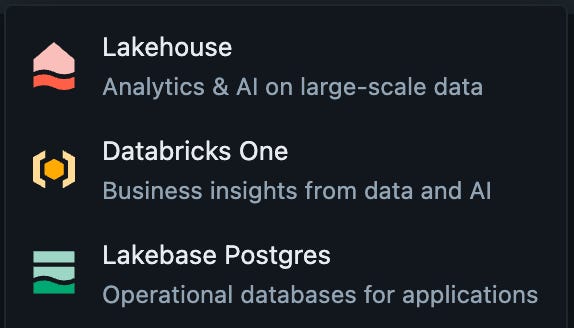
Unified Lakebase interface
Lakebase Provisioned instances are accessible through the Lakebase App. The new unified interface consolidates Lakebase Provisioned and Lakebase Autoscaling management in one location, replacing the previous workflow of navigating to the Compute tab in the Lakehouse UI
Compute sizing for Databricks is generally available
You can choose between Medium (2 vCPUs, 6 GB) and Large (4 vCPUs, 12 GB) compute sizes to match your workload requirements. More features are integrations are coming soon. Stay tuned
🤖GenAI & ML
Agent Bricks is Generally Available
Agent Bricks provides a streamlined approach to operationalize data into production-grade AI agents. Use Agent Bricks: Knowledge Assistant to create a chatbot that can answer questions about your documents and provide high-quality responses with citations.
Store and query Mlflow traces in Unity Catalog
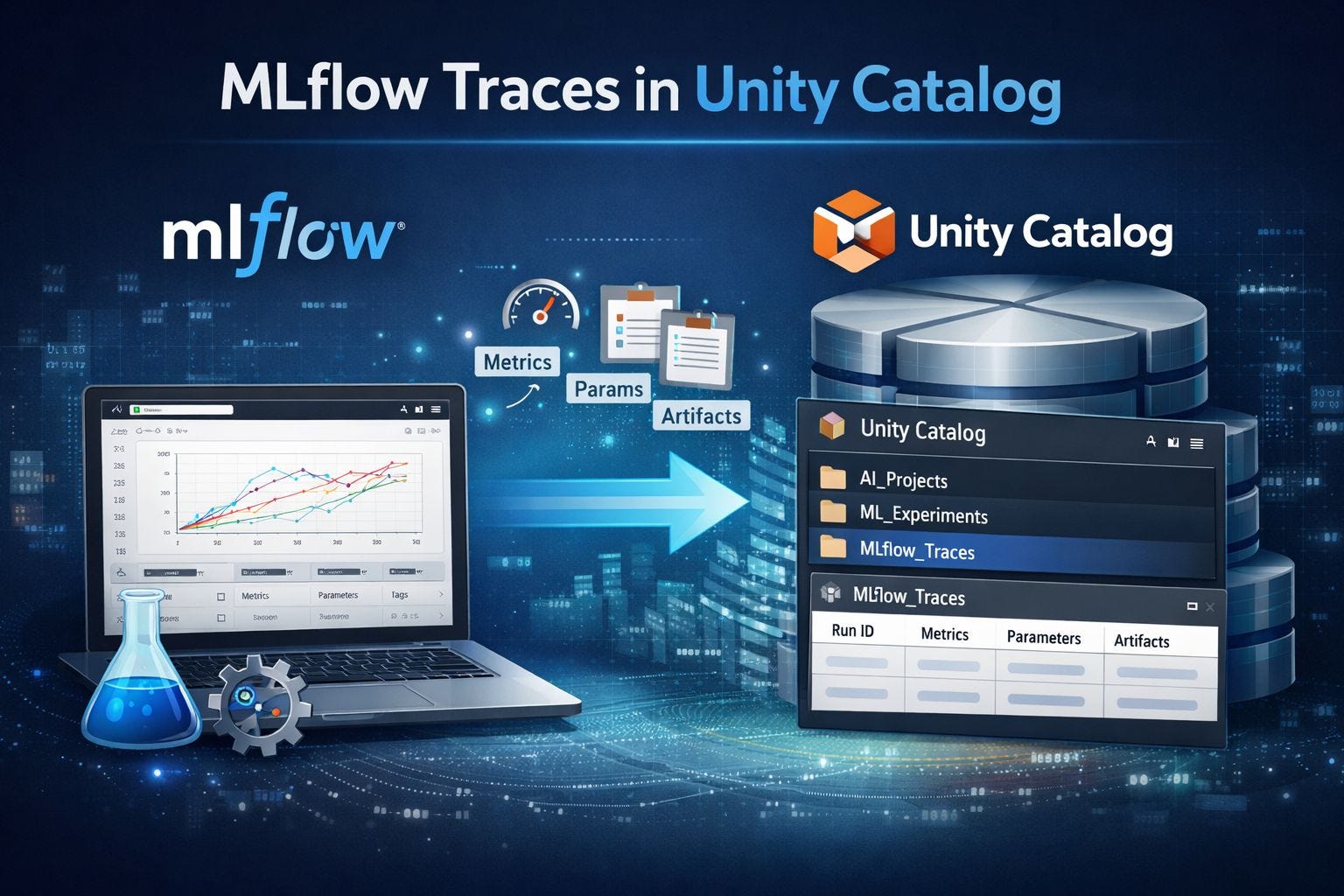
You can store MLflow traces in Unity Catalog tables using OpenTelemetry format and query them using Databricks SQL. This provides several benefits:
Store unlimited traces in Delta tables for long-term retention and analysis
Query trace data directly using SQL through a Databricks SQL warehouse
Manage access control through Unity Catalog schema and table permissions
Ensure compatibility with other OpenTelemetry clients and tools
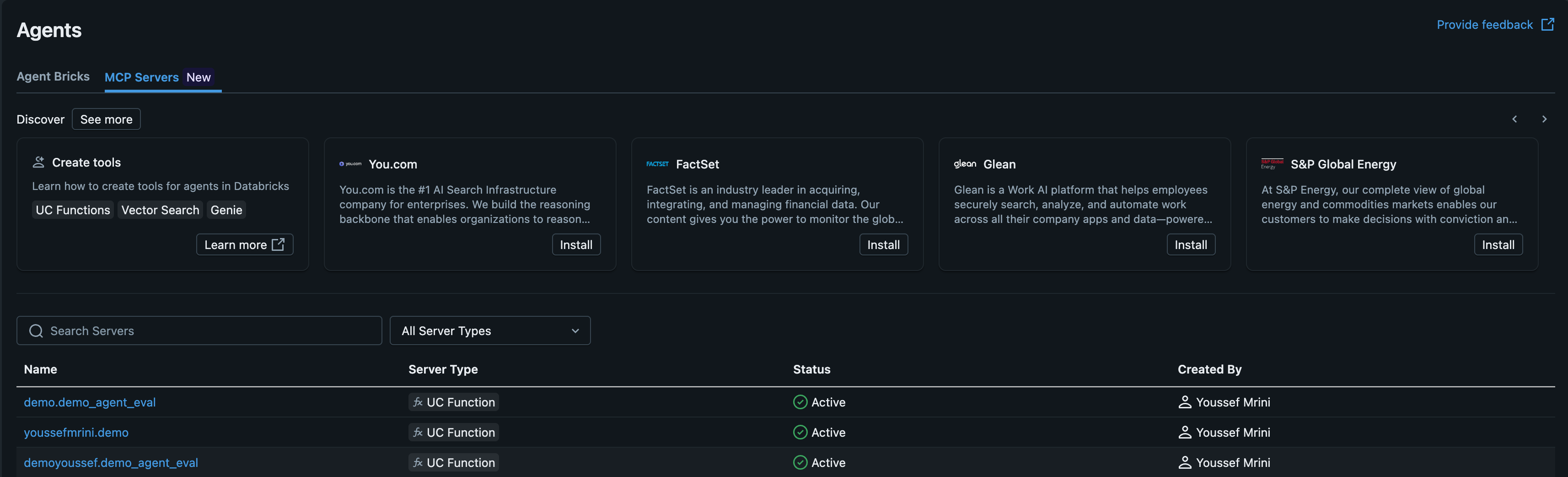
Managed MCP Servers
Managed MCP servers allow your AI agents to securely connect to Databricks resources and external APIs. 📖 Documentation
📝AIBI Genie
Catalog permission warnings: Users see an informative banner when they lack
USE CATALOGpermissions on attached tables, rather than encountering errors at SQL execution time.Unity Catalog lineage for Genie spaces: Genie spaces are discoverable in Unity Catalog lineage.
Bulk actions for entity matching: Users can make bulk actions for entity matching (add, remove, and refresh).
The value sampling features in Genie have been renamed to better describe their function:
Prompt matching => previously value sampling
Format assistance => previously example values
Entity matching => previously value dictionaries
Sample data tab: View sample data to understand the context behind a Genie space. 📖 Documentation
Text answer summaries in API: Text answer summaries are returned in the API.
Research Agent starter questions : Curated starter questions are available for Research Agent mode.
Landing page redesign: The landing page has been redesigned to improve starter question readability.
Benchmark execution: Benchmarks with AI functions execute correctly.
Space manager feedback management: Space managers can update thumbs up/down feedback from other users and re-run query results from other users’ messages using their own data credentials to debug feedback.
Example SQL title character limit: The maximum character length for example SQL titles has been increased to 1024.
PDF export for Research Agent (Beta) reports: Export Genie Research Agent reports as PDF files. 📖 Documentation
SQL example citations: Genie’s analysis steps cite the SQL examples used.
Improved question type handling: Genie categorizes common question types (top K, percentage, and distribution) more accurately so the right context is applied, improving results. 📖 Documentation
📊AIBI Dashboard
Full-width pivot tables: Widgets render pivot tables at full width for better readability.
Tooltip encodings on charts: Combo and dual-axis charts support tooltip encodings.
Image rendering in pivot tables: Cells can display images directly in pivot tables.
Dark mode scrollbar visibility: Scrollbars are easier to see when using dark mode.
Increased pivot data download limits: Download limits now support up to 10,000 rows by 1,000 columns for pivoted data.
Account-level user subscriptions: Dashboard authors can now subscribe account-level users to scheduled dashboard updates. 📖 Documentation
Custom calculation references: Custom calculations can reference custom calculations on dashboard datasets.
Cumulative totals on stacked bar charts: Stacked bar charts can display the cumulative total of values.
Improved tooltips on combo and dual axis charts: Tooltips are now easier to access when hovering over combo and dual axis charts.
Dashboard page navigation scroll bar: The horizontal scroll bar to navigate between dashboard pages is thicker.
Dashboard title character limit: Dashboard titles have more horizontal space before truncating.
Pivot table header height: Pivot table header height can be configured to enable wrapping for multi-row heights.
Text widget markdown tables: Text widgets support markdown table syntax.
Parameterized default catalog and schemas: Parameterize the default catalog and schemas when deploying dashboards using Databricks Asset Bundles. 📖 Documentation
Multi-select filter paste enhancement: Paste comma-separated and newline-separated values into multi-select filters.
Pivot table total rows: Pivot tables can display total rows at the top.
Dashboard widget drag handles: Dashboard widgets have drag handles for resizing and repositioning.
Pivoted table Excel downloads: Download dashboard data to Excel in pivoted format rather than flattened.📖 Documentation
Timezone display fixes: Fixed a number of timezone-related issues, ensuring that displayed timezones match underlying data timezones instead of displaying UTC.
Selective data point labels: Labels can be shown only for first/last or min/max data points.
📊Databricks One
Databricks Apps filtering: Databricks One consumers can filter to include or exclude inactive Databricks apps when browsing. Inactive apps are those with a status other than Running, such as Stopped, Deploying, or Crashed. 📖 Documentation
Dashboard widget title search: Search supports dashboard widget titles.
Enhanced search rankings: Certified and favorite content is boosted in search rankings in Databricks One.
Recents and favorites in discovery: Recents and favorites are surfaced in the For you page.
Mark assets as favorites: Click the star icon next to asset names in Databricks One to mark them as favorites.
Favorite and certified content filtering: Filter content by favorite and certified status in Databricks One. 📖 Documentation
🛡️Governance and data sharing
Shared isolation execution environment for Unity Catalog Python UDFs
Unity Catalog Python UDFs with the same owner can share an isolation environment by default. This can improve performance and reduce memory usage by reducing the number of separate environments that need to be launched.
To ensure a UDF always runs in a fully isolated environment, add the STRICT ISOLATION characteristic clause. 📖 Documentation
Featured articles
We strongly recommend you to subscribe to the AIBI Newsletter